 RomP
RomP
Play your
RomM library.
A free, native app for Mac, Windows and Linux.
DownloadmacOS, Windows, Linux
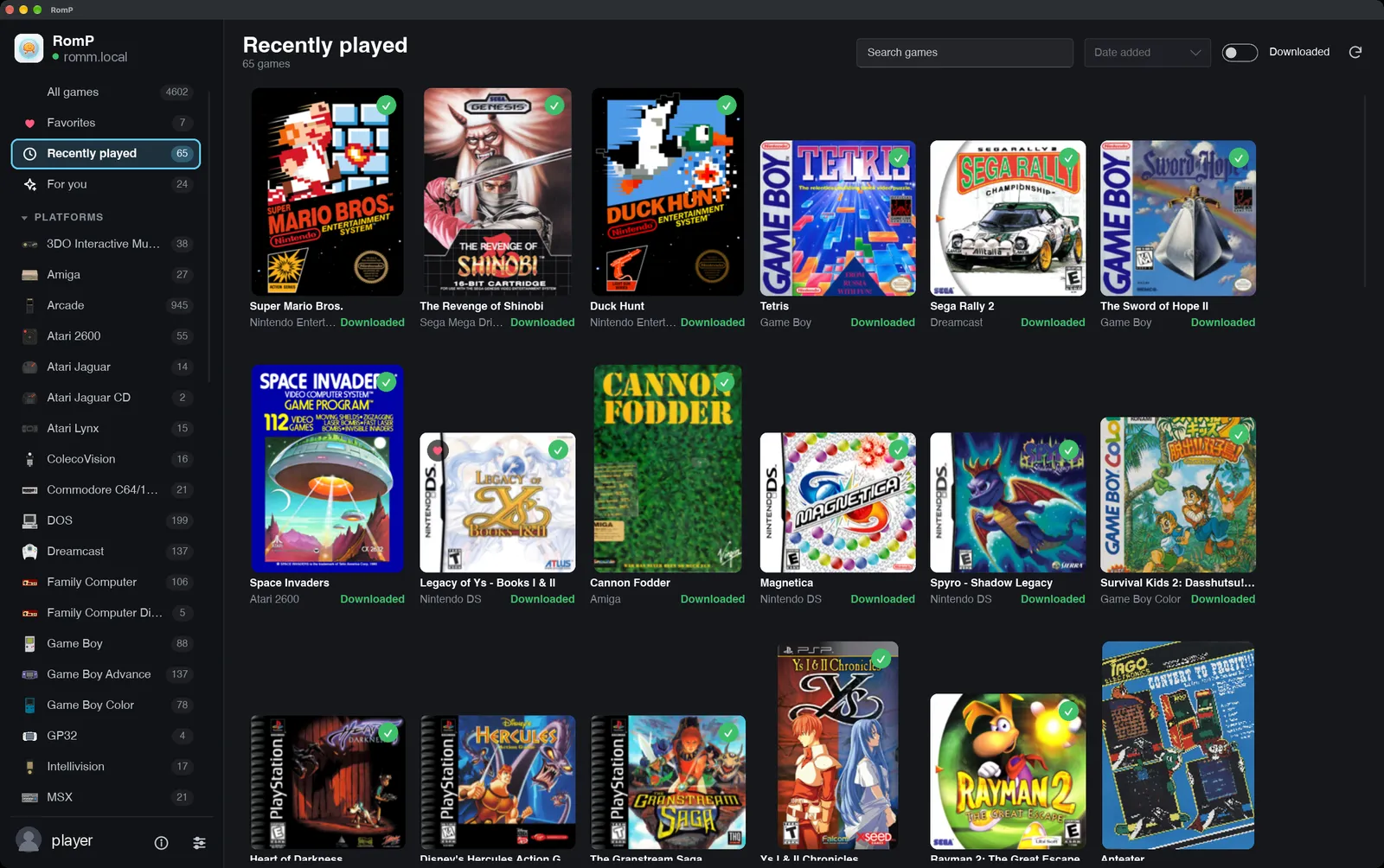
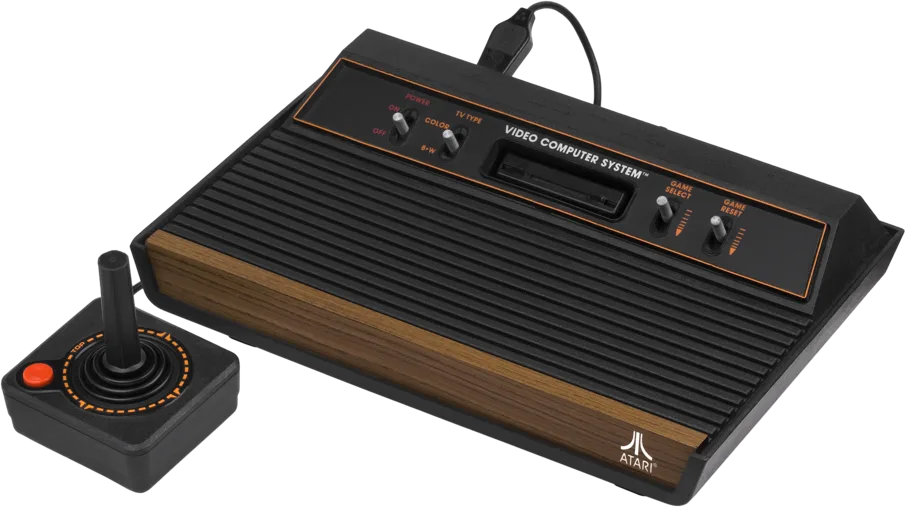
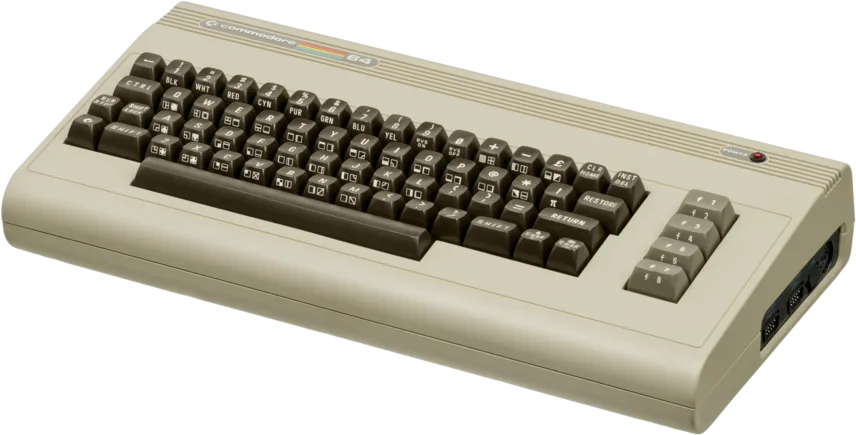
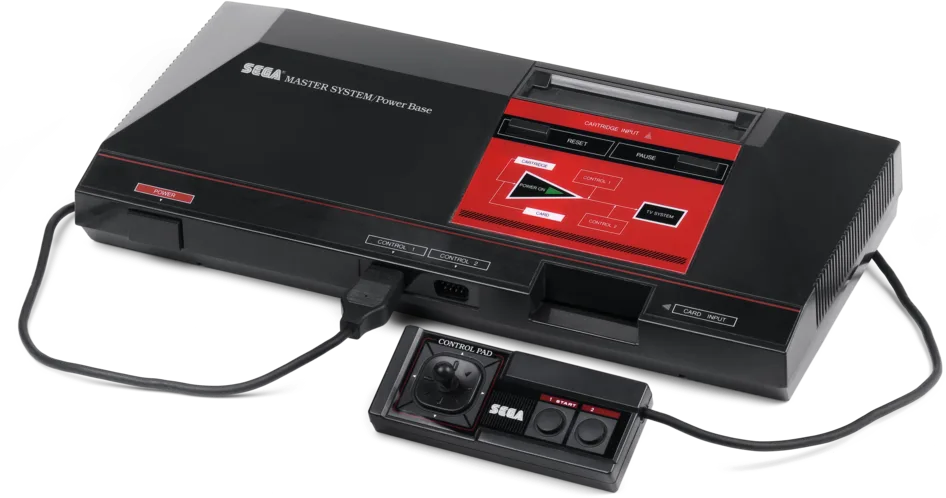
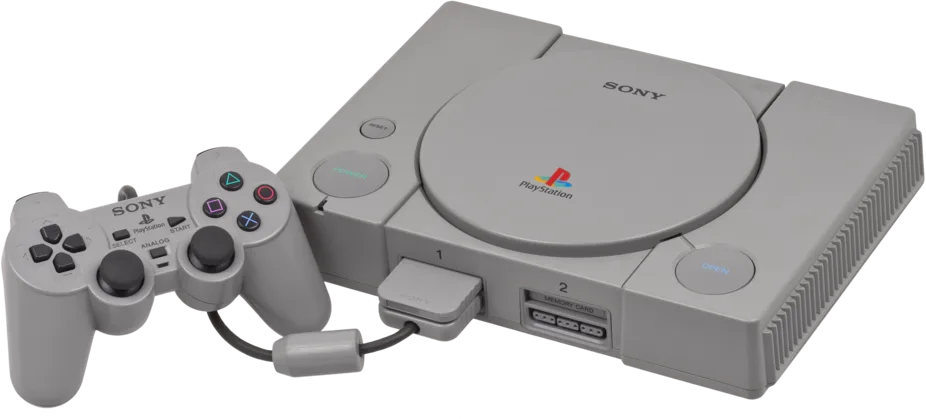
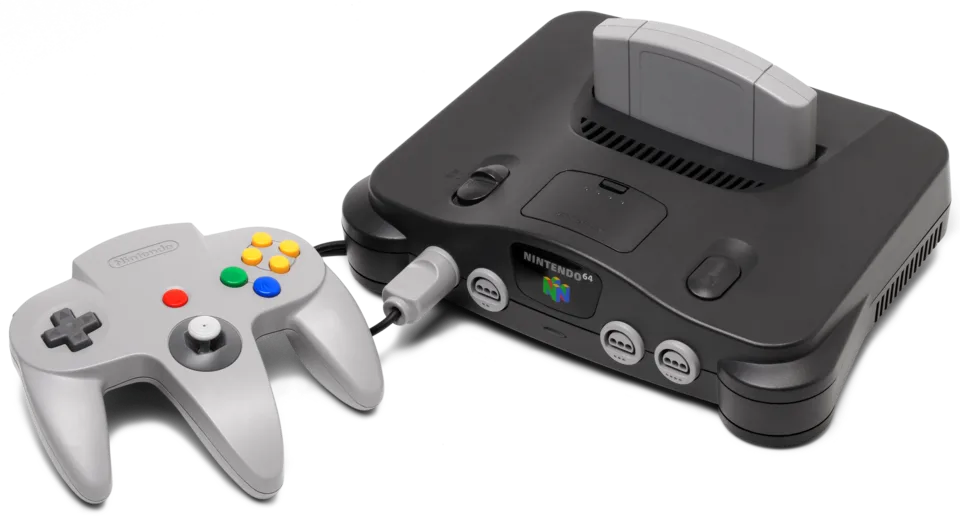
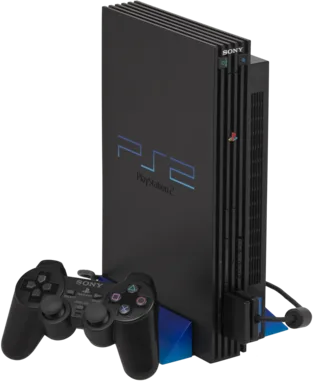
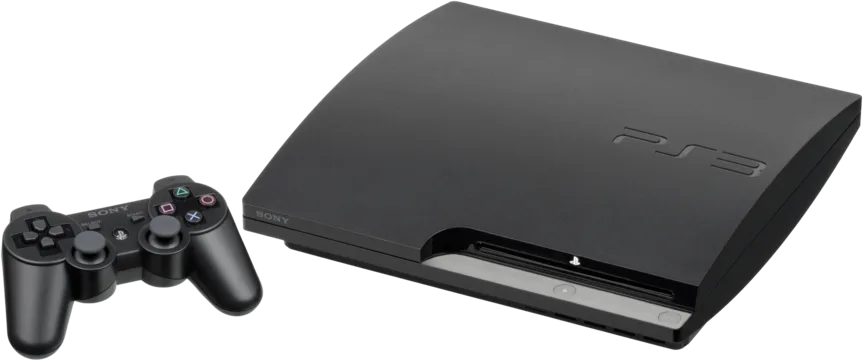
Press Play
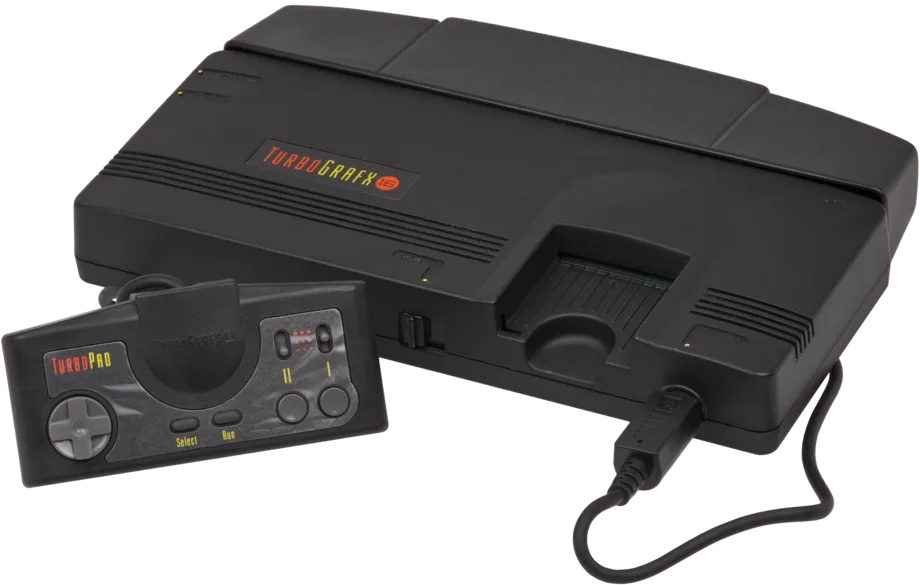
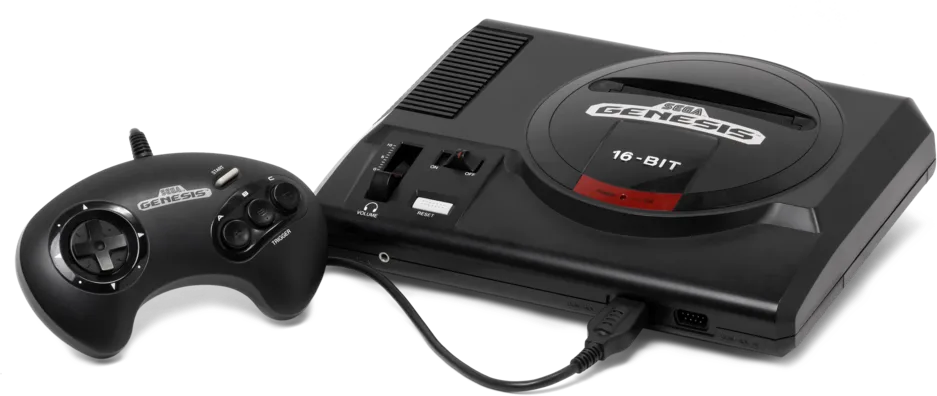
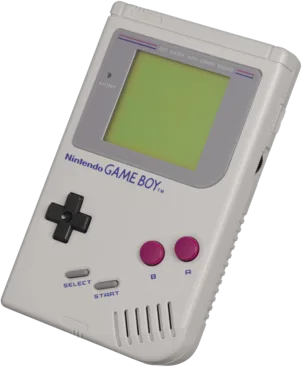
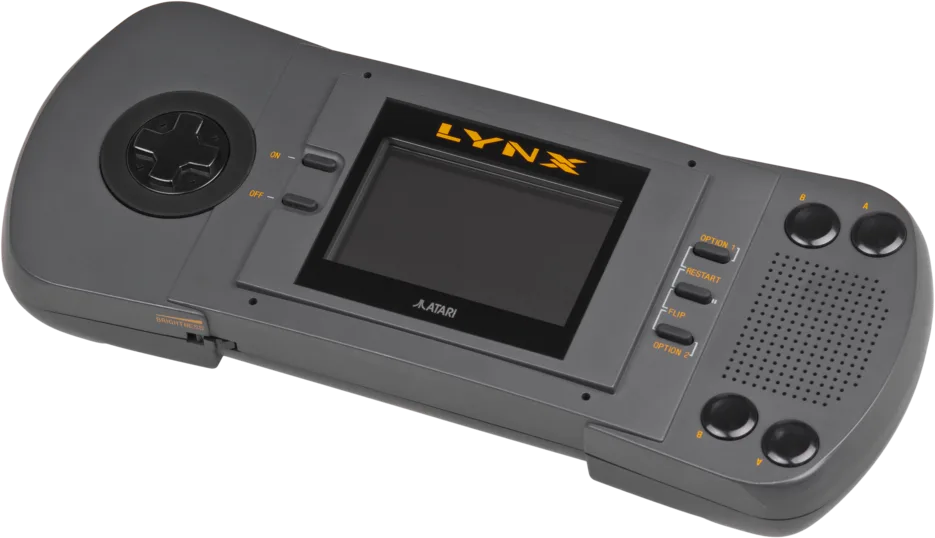
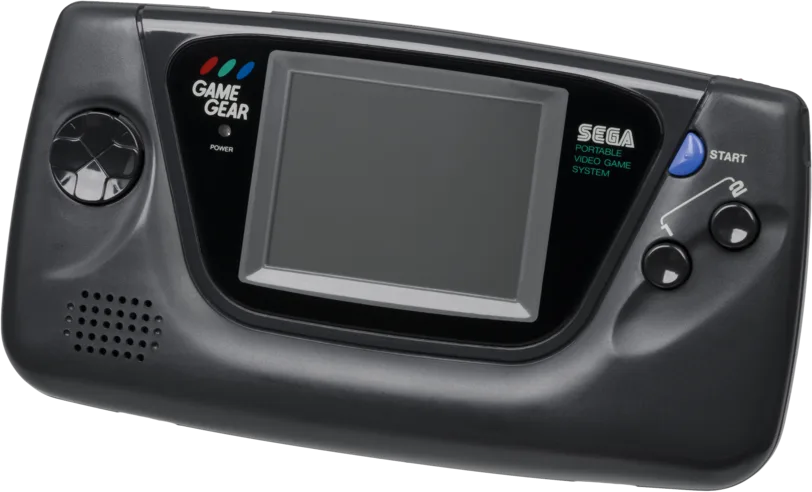
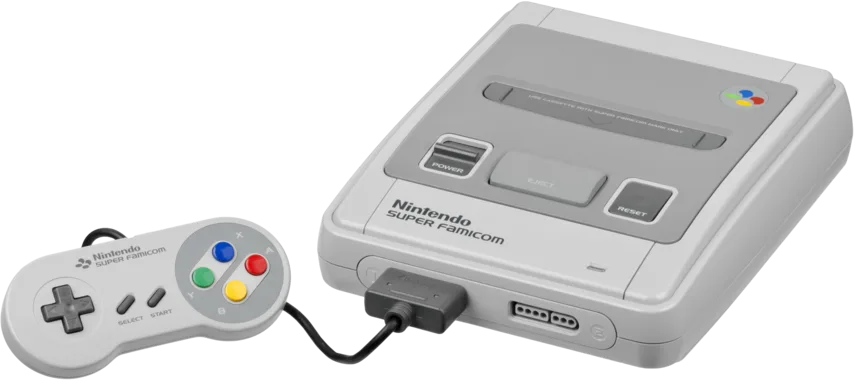
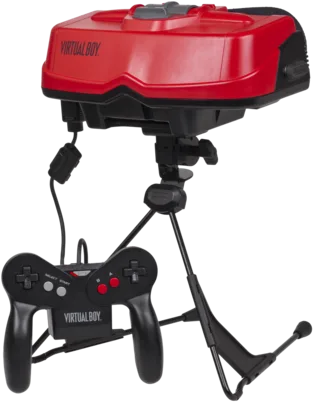
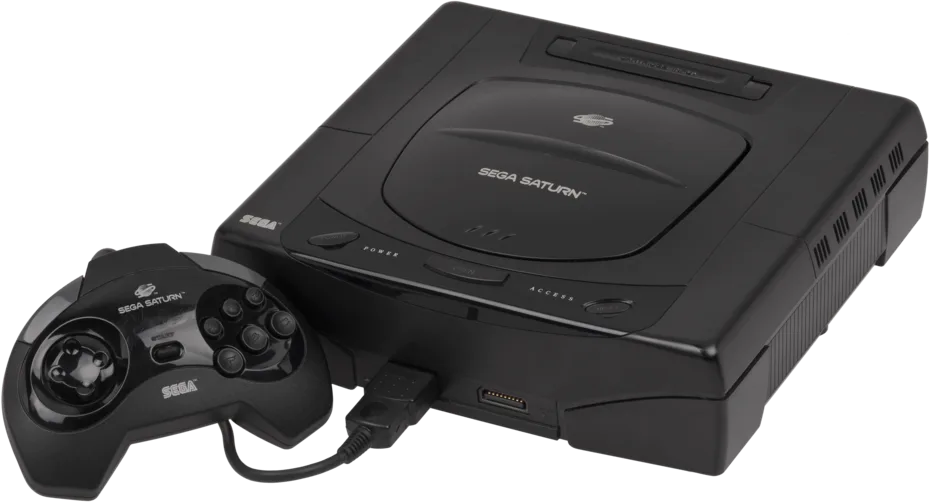
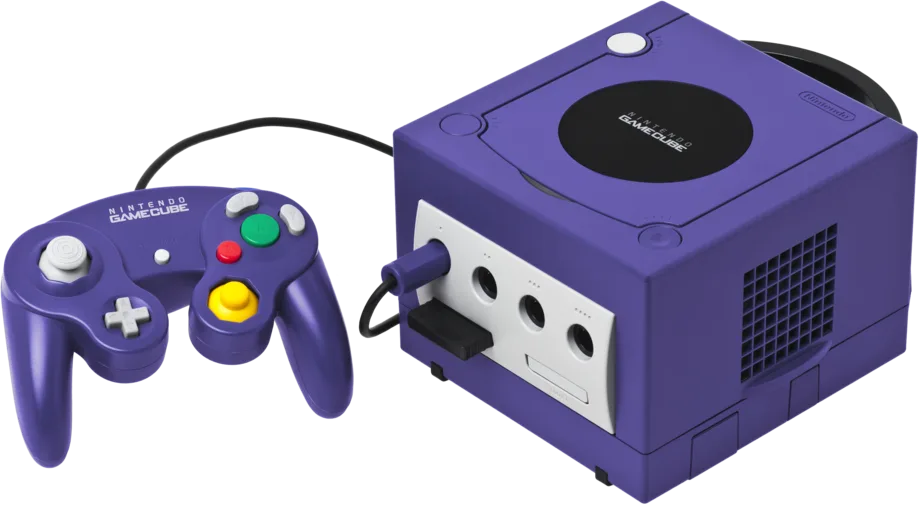
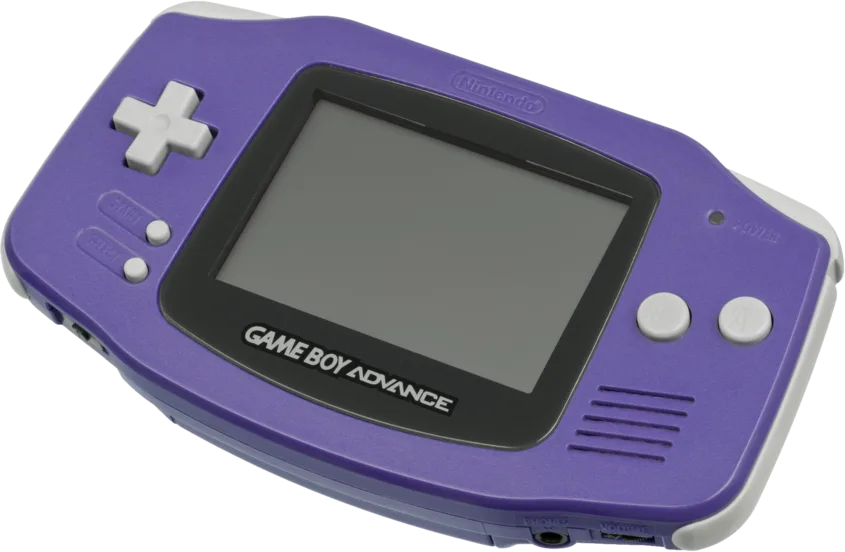
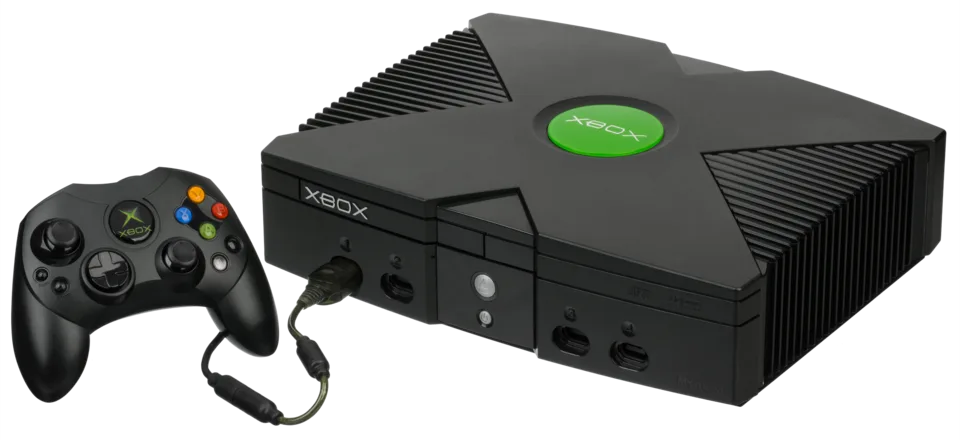
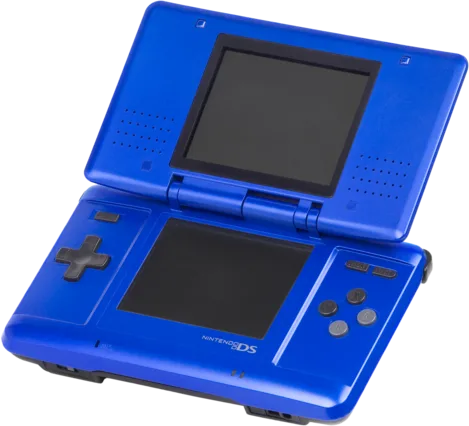
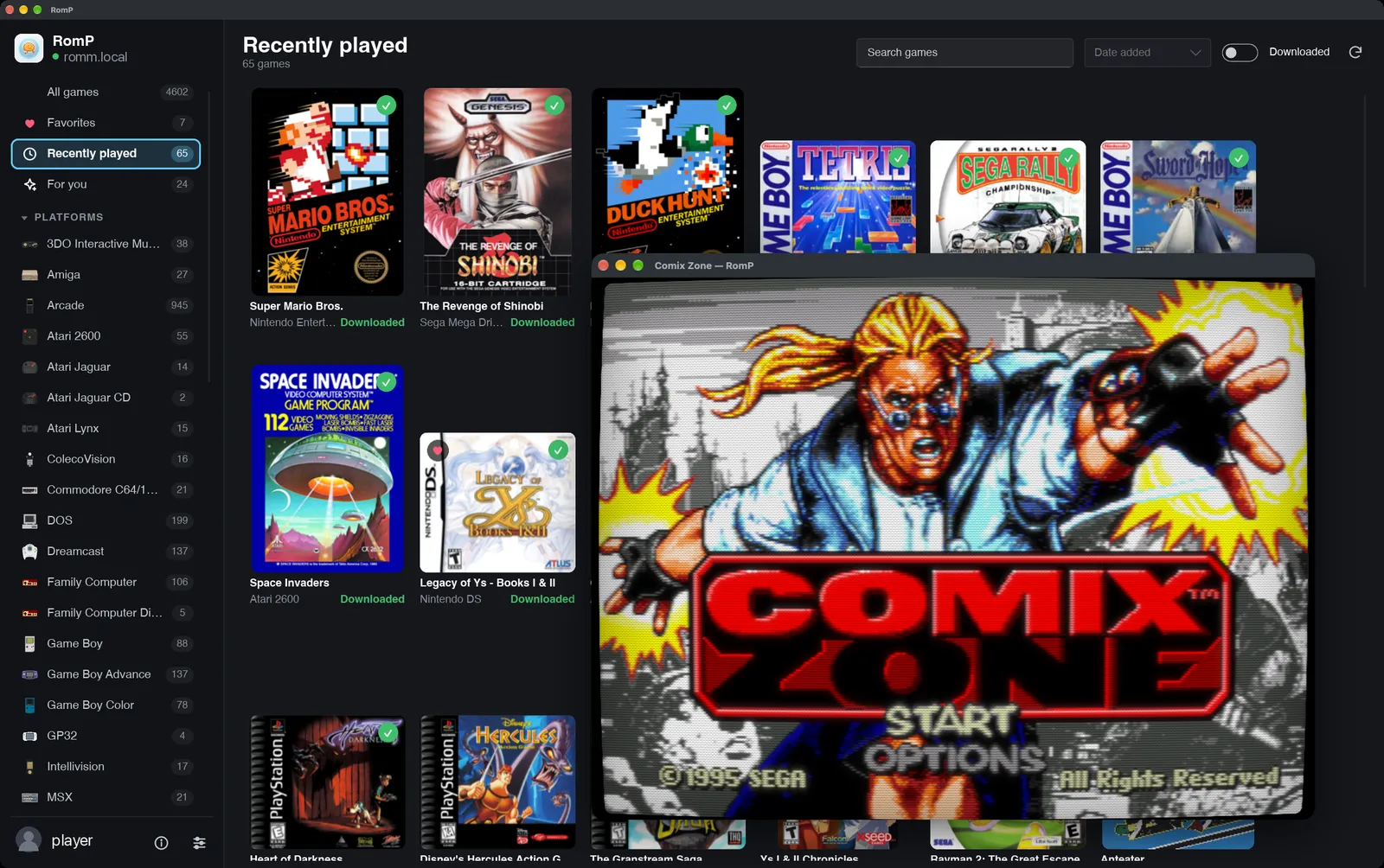
RomP picks the right emulator for each console and sets it up for you. Games and BIOS files come from your RomM server, and games you download play offline.
- Snes9x
- Genesis Plus GX
- Mupen64Plus-Next
- Beetle PSX HW
- PCSX2
- RPCS3
- Dolphin
- xemu
- Flycast
- mGBA
- melonDS DS
- PPSSPP
- Many more
Most run as libretro cores. xemu and RPCS3 run as standalone apps.
Looks
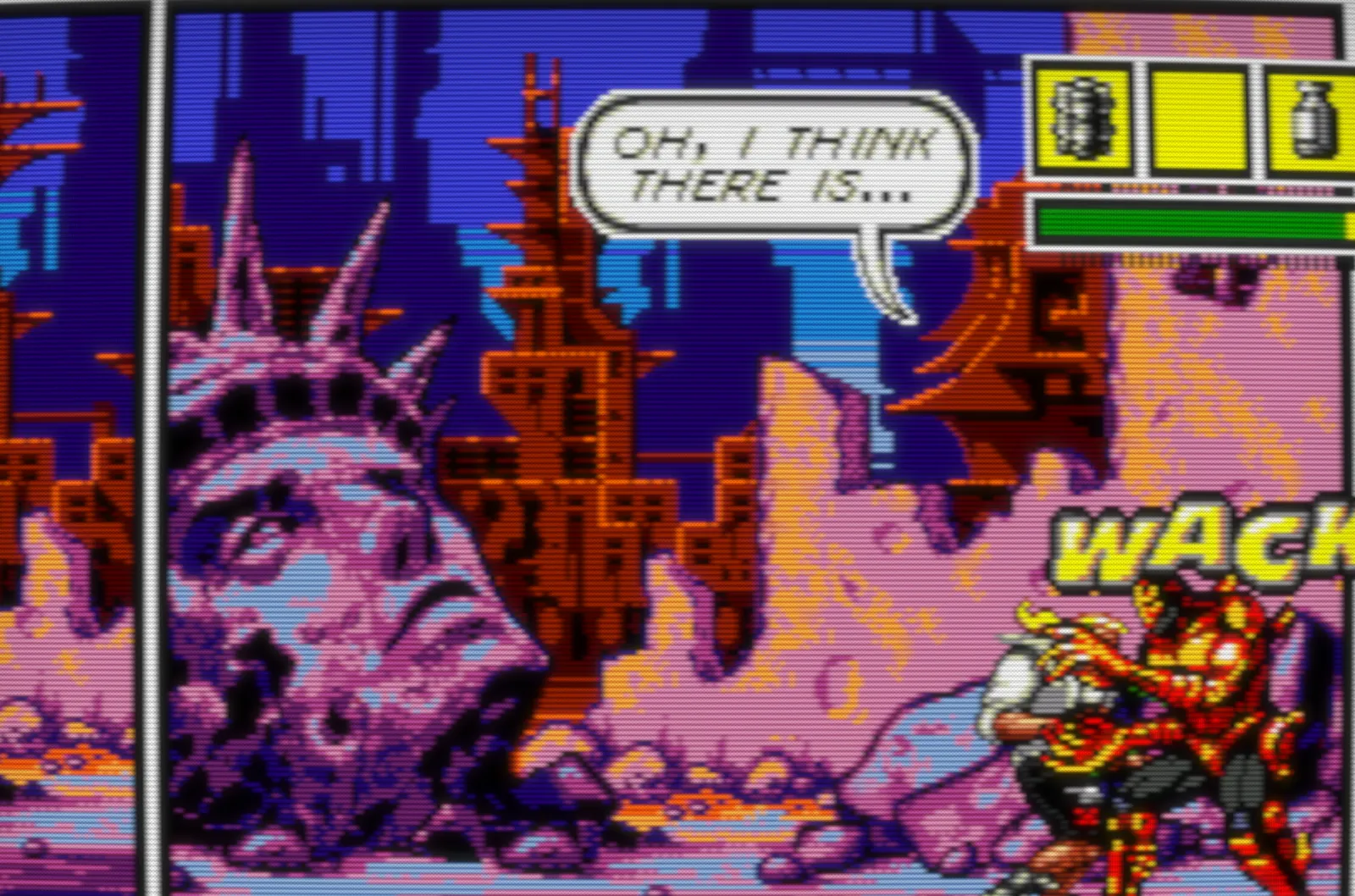
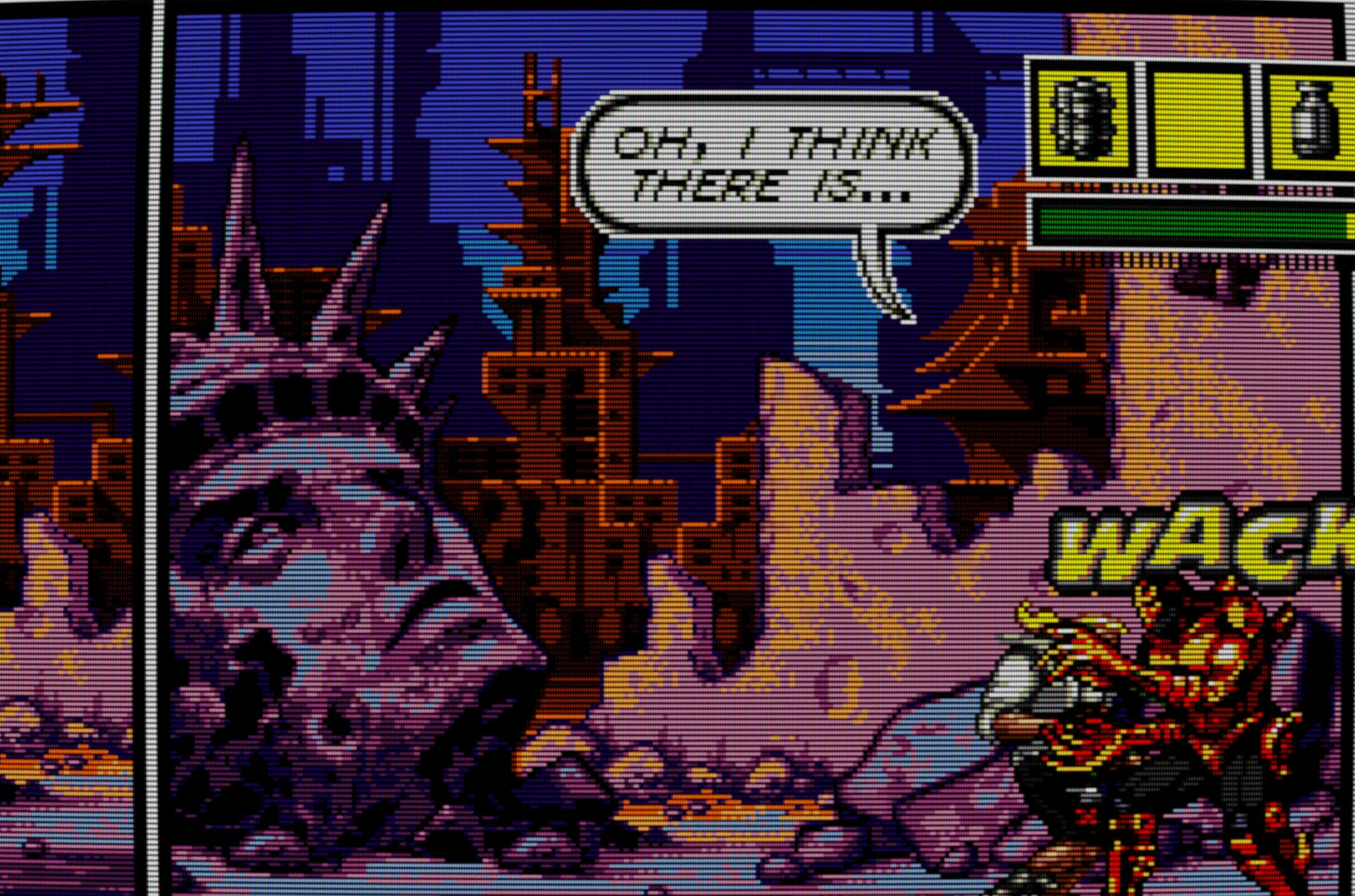
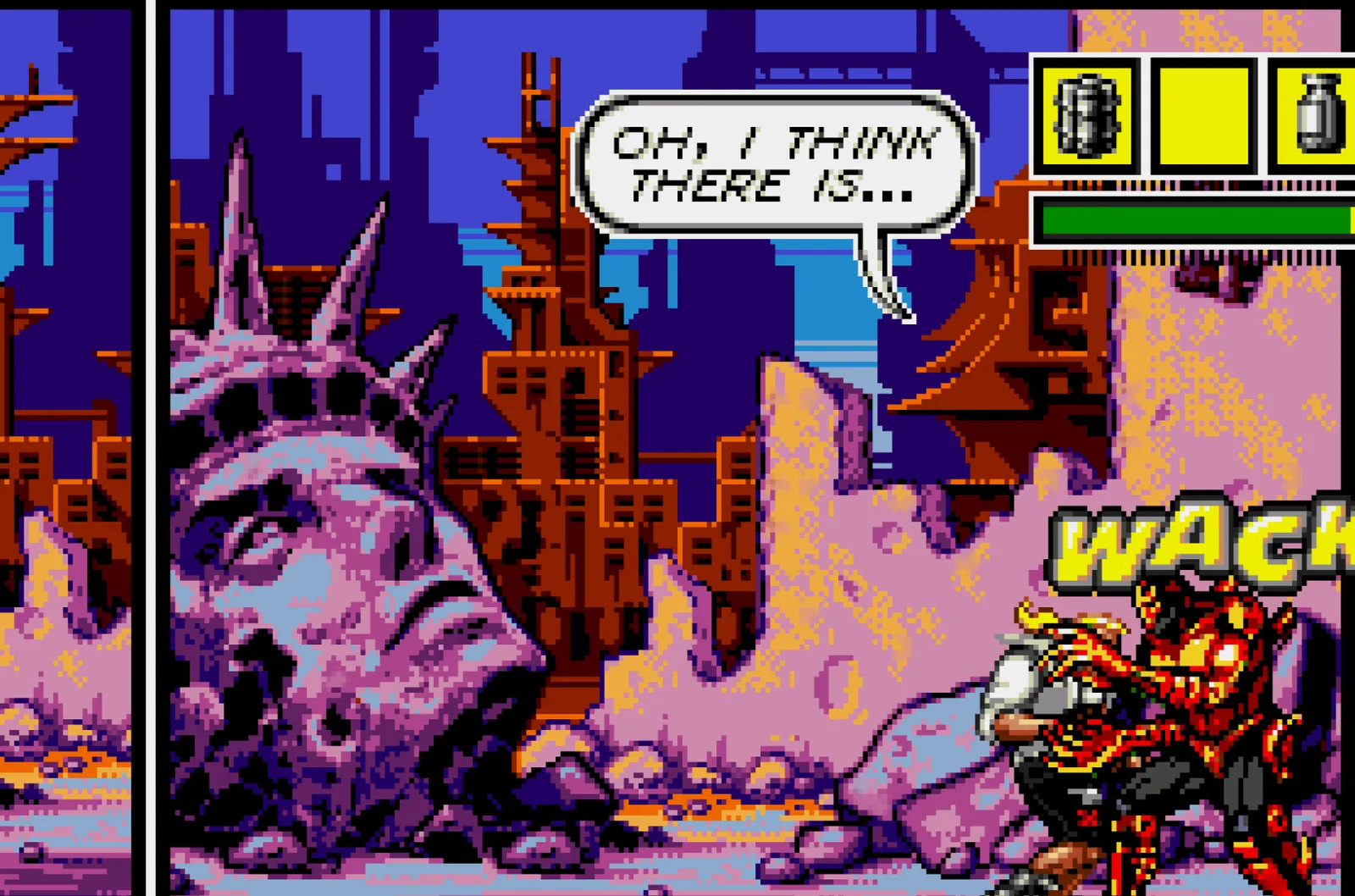
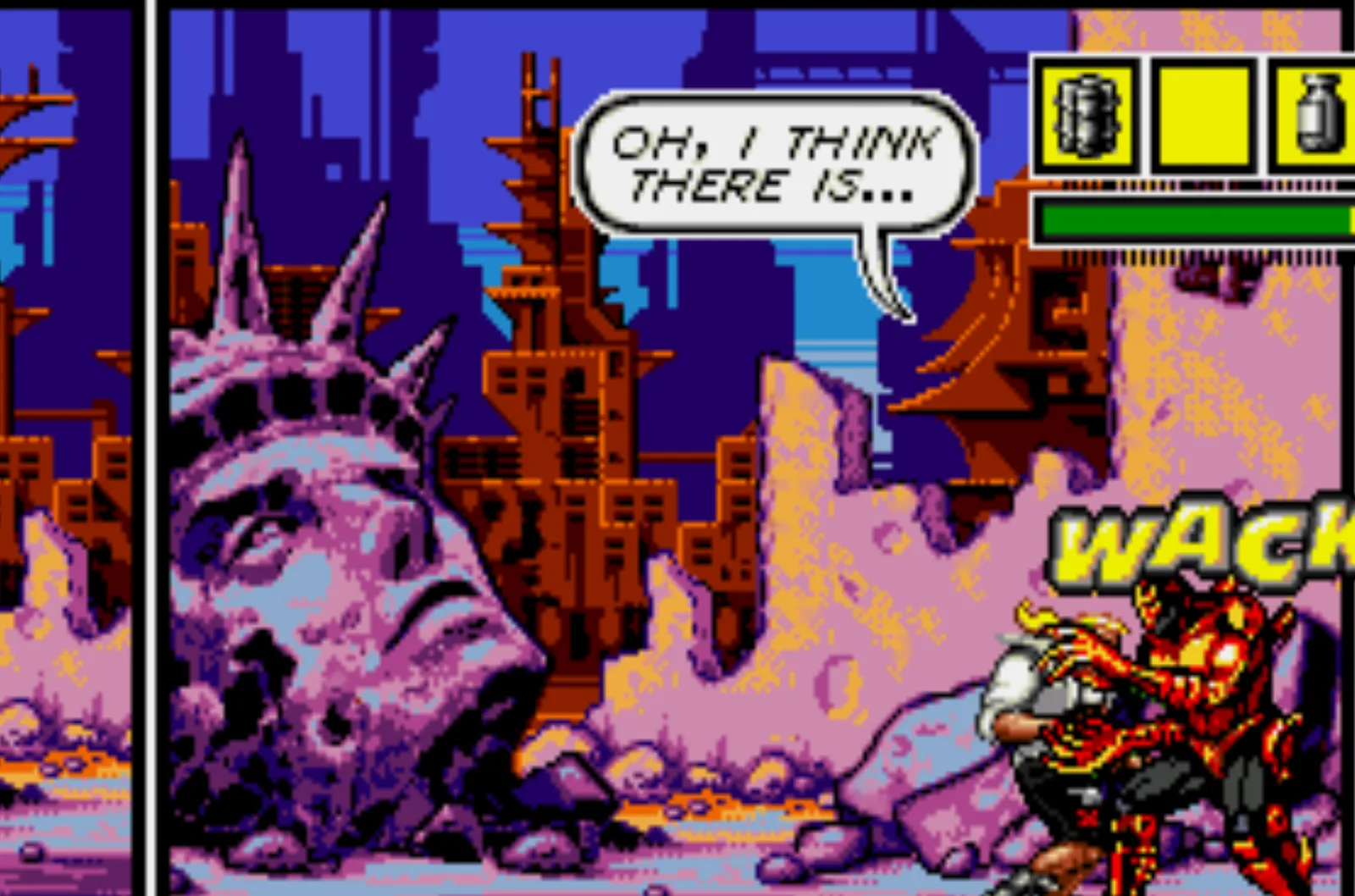
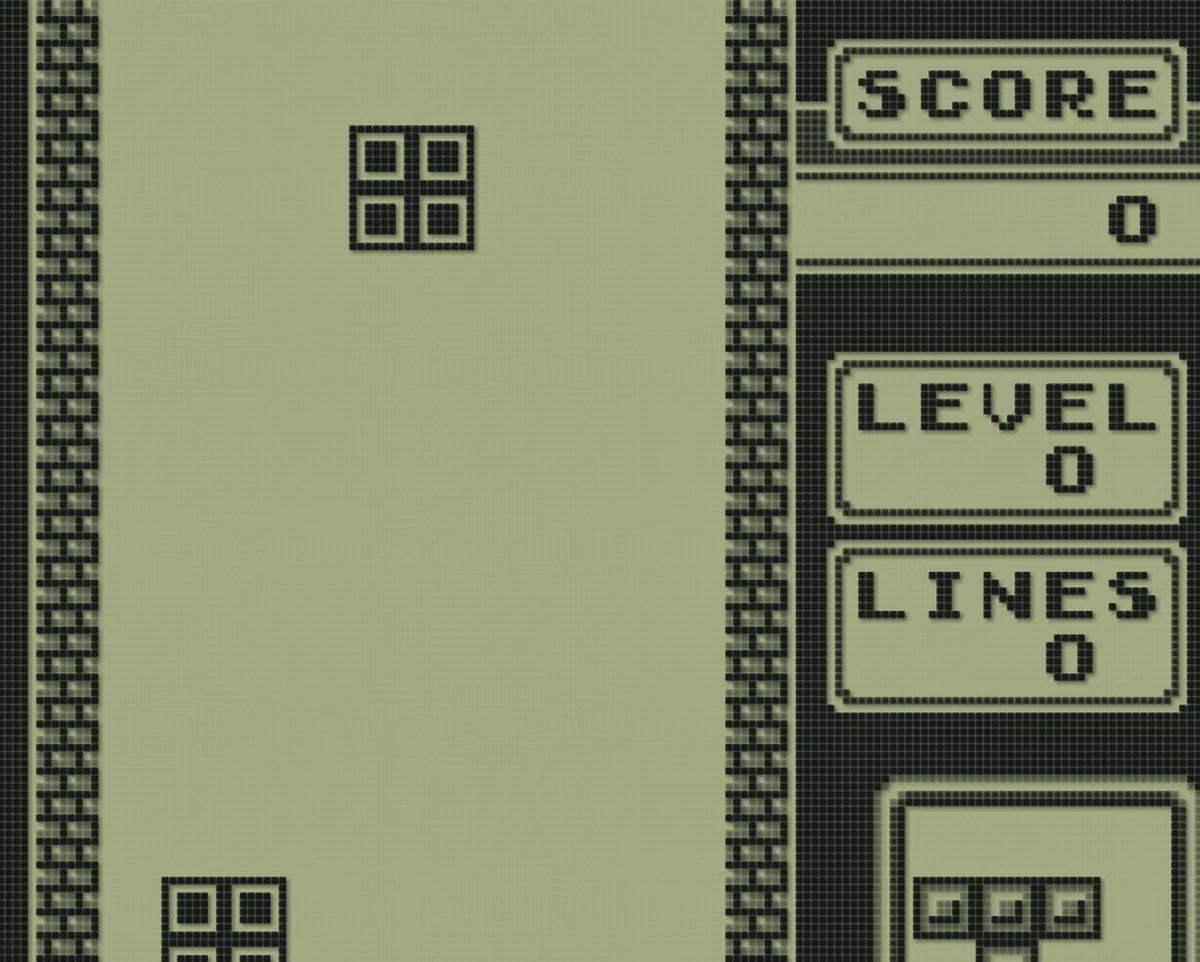
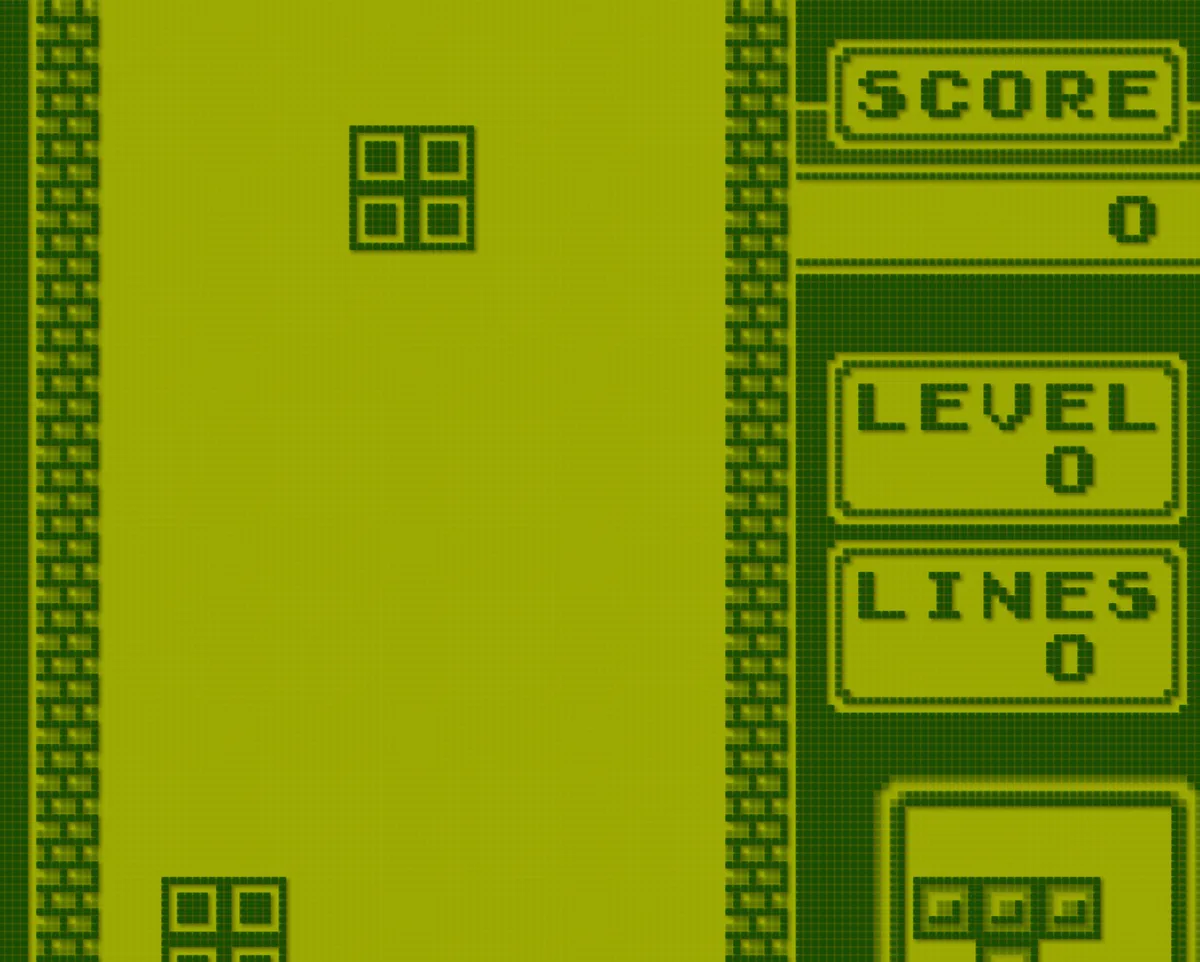
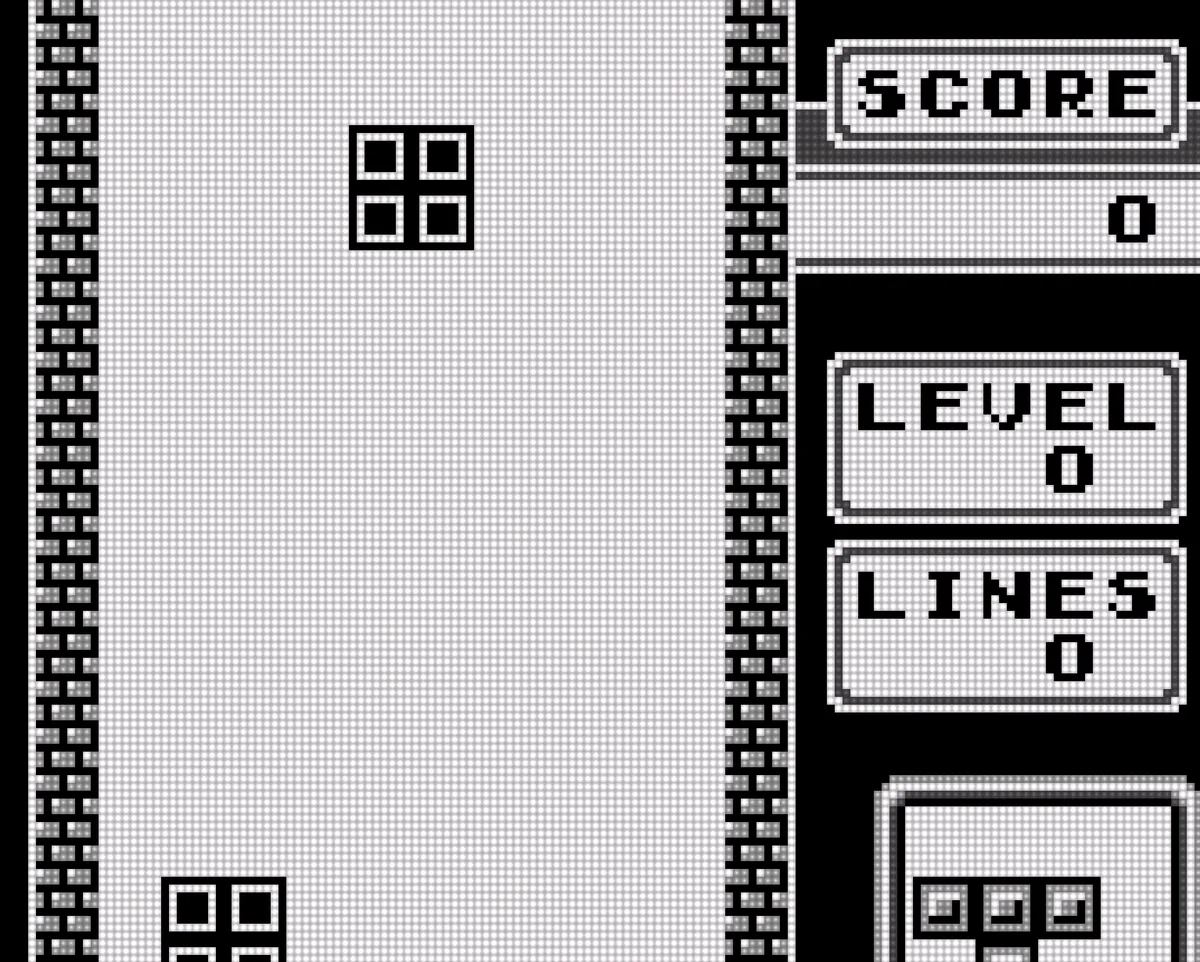
A look for every console
Each console starts with the screen it was played on. Change it any time from the game menu.


RetroAchievements
Earn achievements as you play
Sign in with your RetroAchievements account. You get popups, leaderboards and hardcore mode. Each game's page shows what you earned.




Save states
Save anywhere
Each save state has a picture of the moment. Saves sync with RomM, so you can continue on another computer.
Nintendo DS
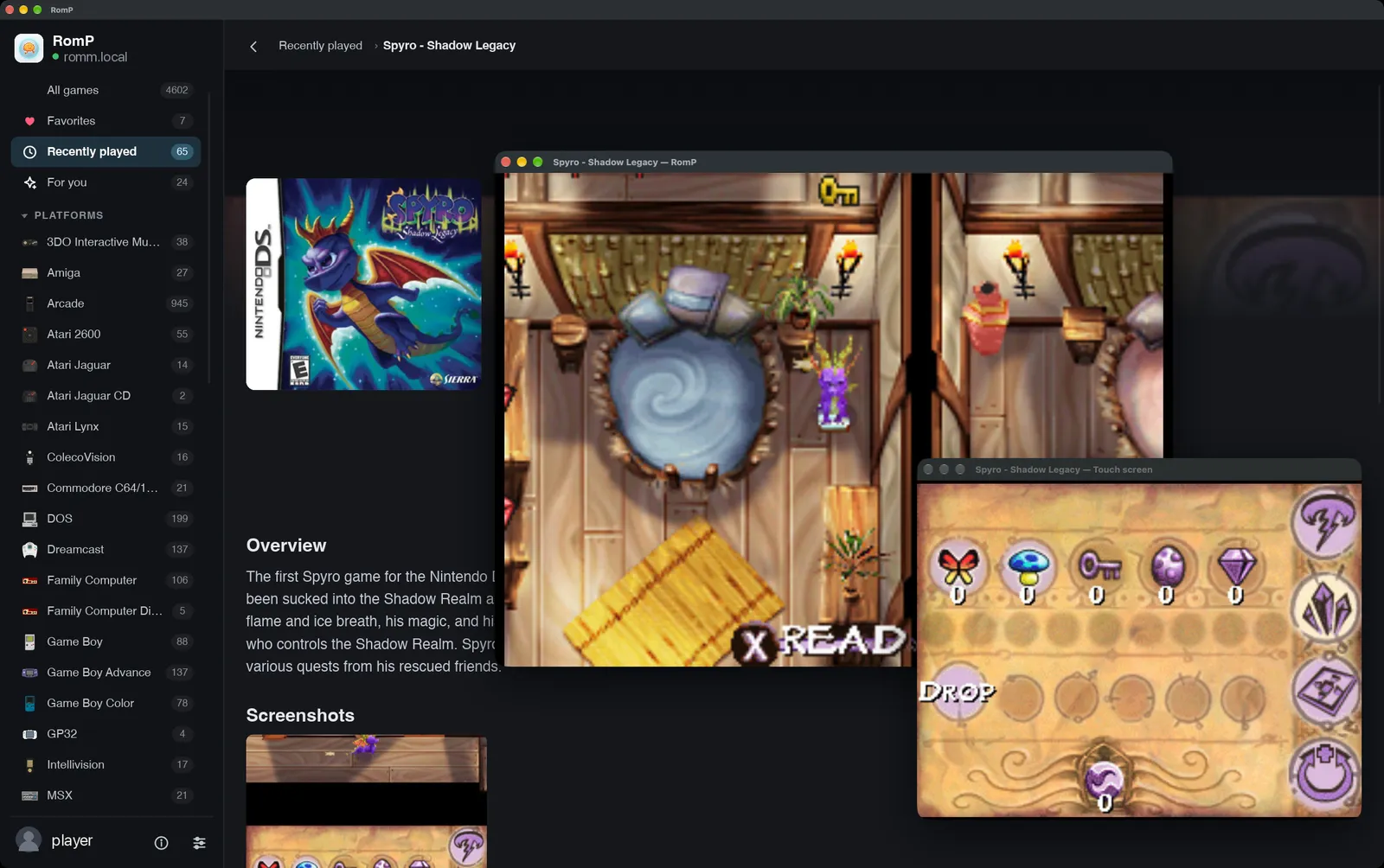
Two screens for DS
Each screen gets its own window. The mouse is the pen.
Also
- A native app, written in Rust.
- Every game runs in its own sandbox.
- Interface sizes of 1x, 1.5x or 2x.
- Gamepads, light guns, mice and keyboards.
- A game menu on the Guide button or Esc.
- If a save changed in two places, you choose which one to keep.
- The whole app works with a controller.
- Picks up where you left off.